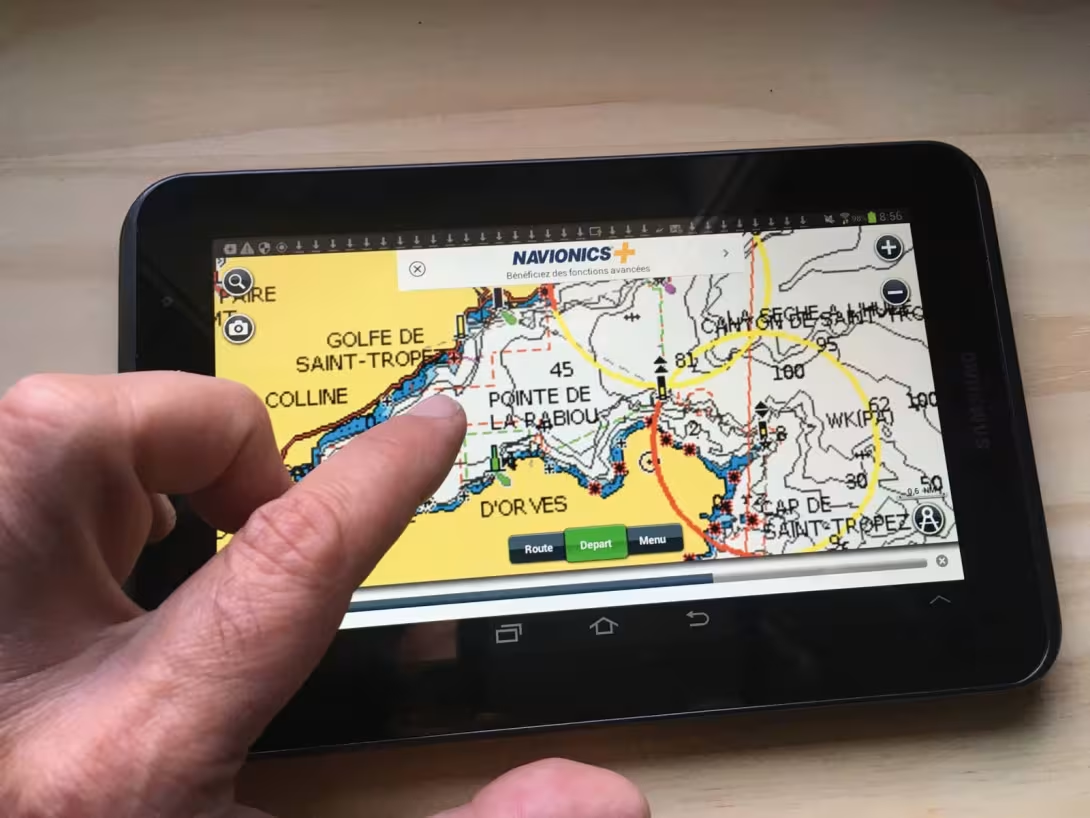
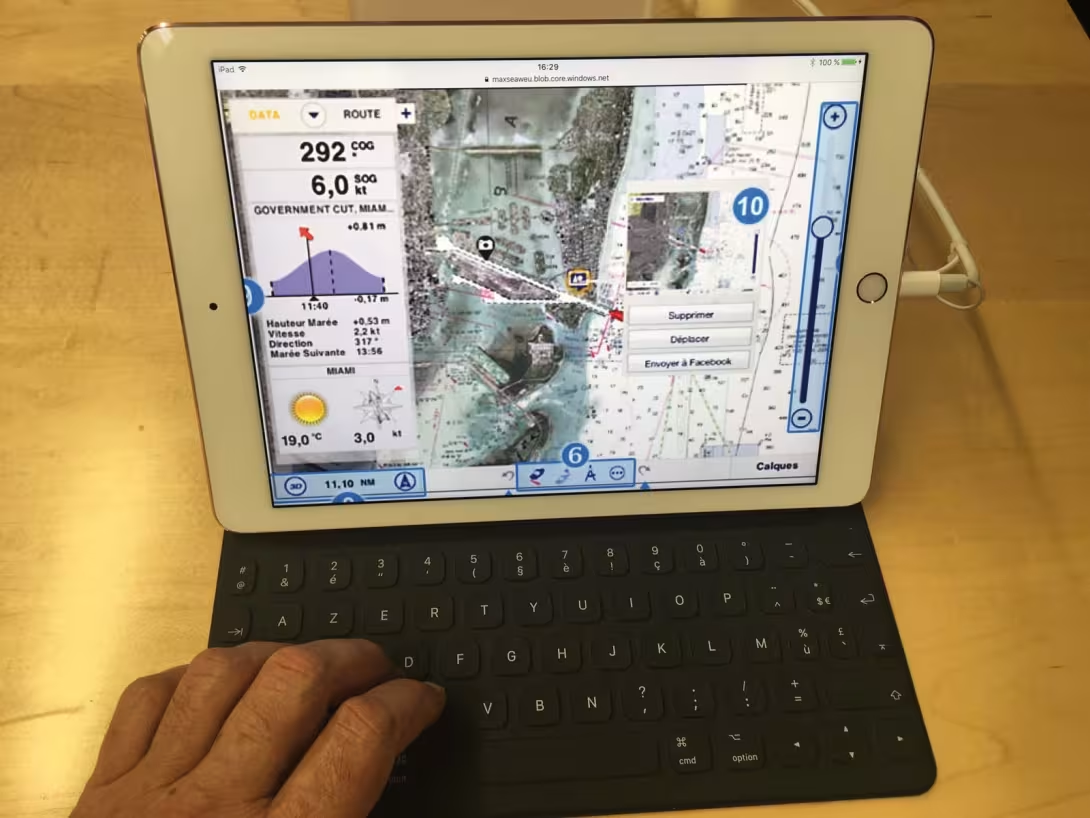
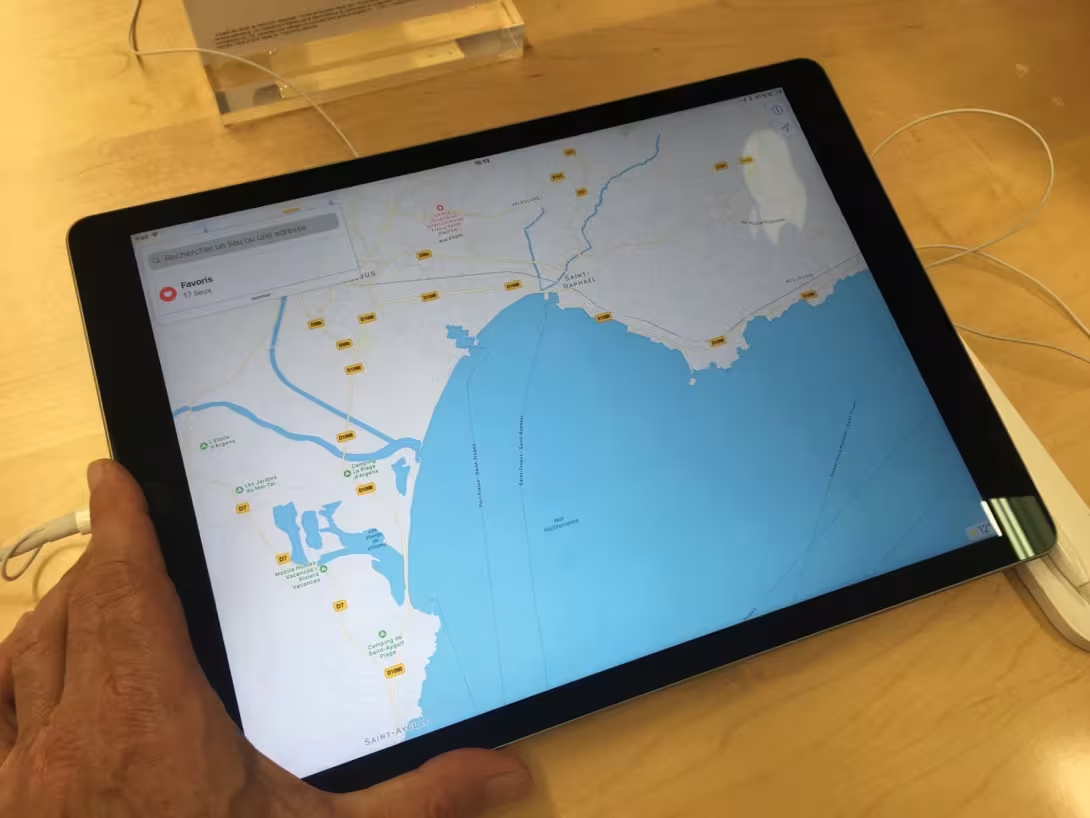
In 1997, I tried to download an American (but inaccurate) chart onto my Palm, and as my device was devoid of a GPS signal, it never came to anything... In ten years, the dream has become reality, and today, progress allows our smartphones and tablets not only to play the role of GPS/plotter, but also to take control of a multitude of functions, thanks to the new so-called ‘connected’ instruments, with their wi-fi transmissions, as we evoked in the first part of this diagnosis (see Multihulls World n° 152). The feeling of being able to tap your route with your finger or a stylus pen is as pleasing as that of tracing your route in pencil on a chart, and the result, which is displayed instantaneously, as well as the zoom, is exhilarating and condemns cursors from the not-so-distant past to the trash. But although your smartphone may be suitable for short coastal trips, it would be unreasonable to leave for a long trip in the tropical islands with that size screen. Even the small 7-inch tablets are insufficient for using the information correctly. Don’t forget that not so long ago we were working on full-size format (paper) charts. From 10 inches upwards, it becomes possible to read the information clearly, notably the weather files, and at 12 inches, the comfort is comparable to our computer screens, with which we have been used to navigating for some time now. With the dedicated applications, the performance of the most recent tablets is really amazing, even better than what we can do with a computer. But above all it’s their mobility which is their main advantage, and following the boat’s progression from your bunk with just one click, while at the same time reading your latest novel is fantastic! All you have to do then is fit a wi-fi router which will send the connection aboard, whether it comes from an SSB aerial or a satellite system. Here again, it’s best to call on the services of an ‘integrator’, who will adjust the parameters and interface everything with a multiplexer, so you can use all the GPS, radar, AIS, log/sounder, autopilot information via the NMEA bus.
Domestic tablets

These can be divided into three categories: the normal, simple types eg iPadAir or Samsung. The professional versions from the same brands, equipped with an additional keyboard, which can serve as a laptop, and the laptops whose touch screens can be detached, such as the Microsoft Surface. Finally the so-called ‘waterproof’ tablets, which resist spray, such as the new Sony Xperia and the Fujitsu Arrows. For the first two categories, it is always preferable to use a waterproof protection case if you want to use it in the cockpit. On the other hand, having to remove the case on the pro versions to reconnect the keyboard for office use is a constraint.
Finally, although the waterproof tablets resist spray, they remain exposed to impacts, especially outside, where there are few safe places to put them. A Bumper style protection would seem essential if it is to stay in the cockpit. We even find consoles with a cover, to fit them safely at the nav. station. Armed with these precautions, they will be as well-protected in bad weather as in good – beware of the sun’s rays, which are aggressive and prevent clear reading – and will allow you to enjoy their incredible potential to the full.
The ‘toughened’ tablets
For all these reasons, and if the tablet is the way you want to go, it can, as many cruisers mention, be worth having one dedicated purely to navigation (exit the risky downloads during stopovers), and in return for a slightly larger investment, you could opt for a ‘toughened’ tablet. The most well-known are the Durabook, Fieldbook, MTT and the Panasonic Toughpad. These are really ‘bomb proof’, don’t fear immersion, and can fall onto the deck with no damage. Their ‘sunlight viewable’ screens can be used in all conditions, including the most extreme voyages. And for those of you who don’t want to do without a keyboard, the Panasonic Toughpad unlocks from its keyboard in one click, so it can remain in the warmth on the chart table, whilst you go and use its screen out in the spray.
Navigation applications
In this area, the choice is just as enormous, but those which seem to us to be the most suitable for navigation around the world, through their functionalities and their coverage, are Navionics, Weather 4D, InavX, TimeZero and Adrena. The possibilities of downloading extra charts as the voyage progresses are very practical, once you have a good connection. On all of them, you can enter waypoints, plot your route, and display the GRIB weather files. But for weather routing or taking control of the autopilot, you will have to look at the ‘pro’ or developed versions, and clearly define the features which interest you most before making your choice. On Weather 4D, you can integrate the Ipolar system, which establishes polars with the help of certain characteristics of your boat, and allows enough weather safety routing for cruising. With the GPSnavX version of iNavX and an AIS B transponder, you can display the signals from the ships in the neighborhood on the screen, and you can even connect the automatic pilot, which will scrupulously follow the orders from your tablet, on which you have previously programmed the route. If you change it with your fingertip, the pilot follows – amazing! From there to being able to program avoidance of a collision course with an AIS signal or radar, there is just one step, which will certainly be taken soon. A piece of advice: visit the numerous blogs on the subject before making your choice.
Auto-routing
Coming from the ocean racing world, the TimeZero and Adrena programmes represent the two most effective solutions for estimating the route according to the boat’s characteristics and the weather forecast. The skipper is provided, via countless algorithms, with a choice of courses guaranteeing the best route for getting from point A to the famous point B as quickly as possible. Although the two programs have the same calculating power, MaxSea (now TimeZero), the older of the two, has developed an efficiency dedicated to cruising over the years. Superimposition of 3D visuals, both for the seabed and the relief and the ergonomics of the controls, now tactile, make it a tool for arriving safe and sound of an unequalled comfort. The more recent Adrena has focused its efforts on weather routing for racers. A calculating formula which takes care to avoid land without you having to enter waypoints; the possibility of recording your own speed polars (lots of boats are delivered without, and older boats simply don’t have them) by establishing your own chart in a real-life load, crew and sail plan situation; the great flexibility in retrieval from the various weather file providers, as well as numerous specific parameters and unknown short-term variables, dedicate it to high performance ocean racing. In a sentence, with TimeZero, you superimpose the satellite images of the earth, whilst with Adrena, you display that of the sky instead. So, if you don’t want to decide, you should do the same as Charles Devanneaux, who has just taken part in the ARC, and who uses Adrena when out at sea to carry out his ‘race’ routing, and TimeZero as a back-up, to check the overall trends at sea, and above all to use when he arrives close to the coasts, or is in a coastal race.